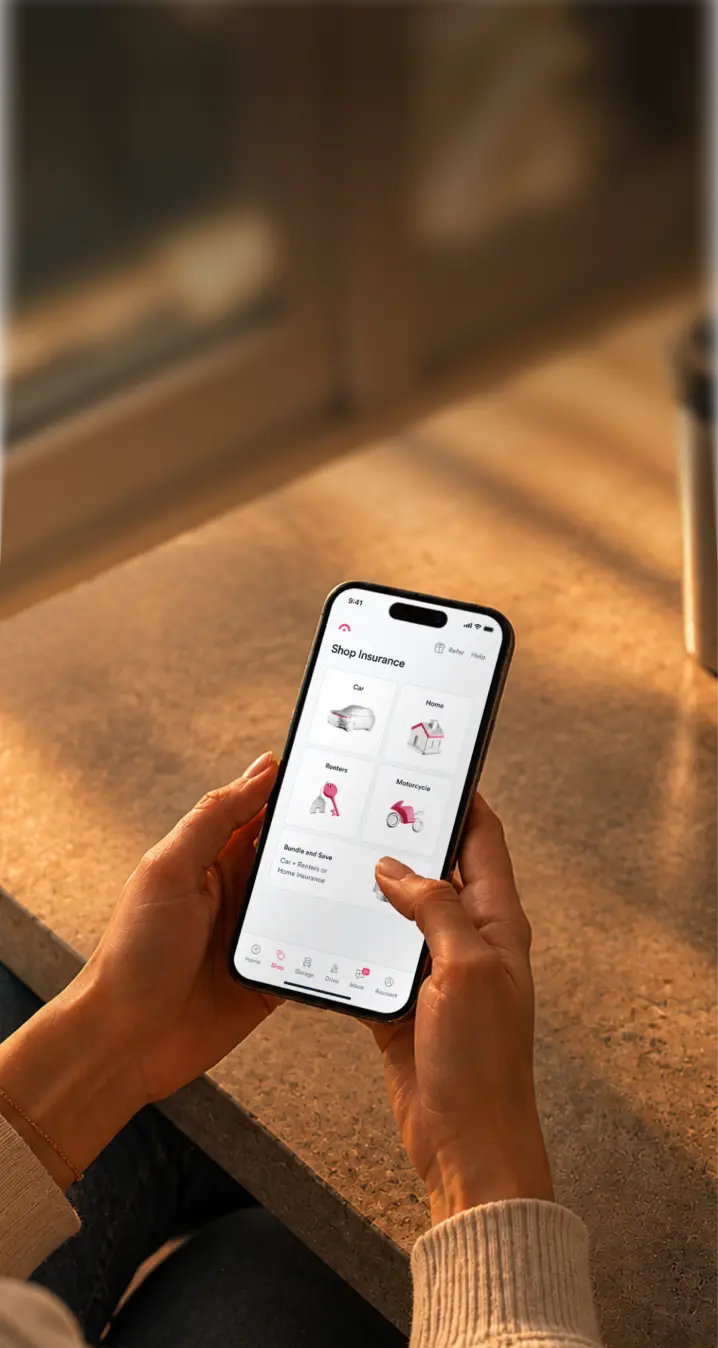
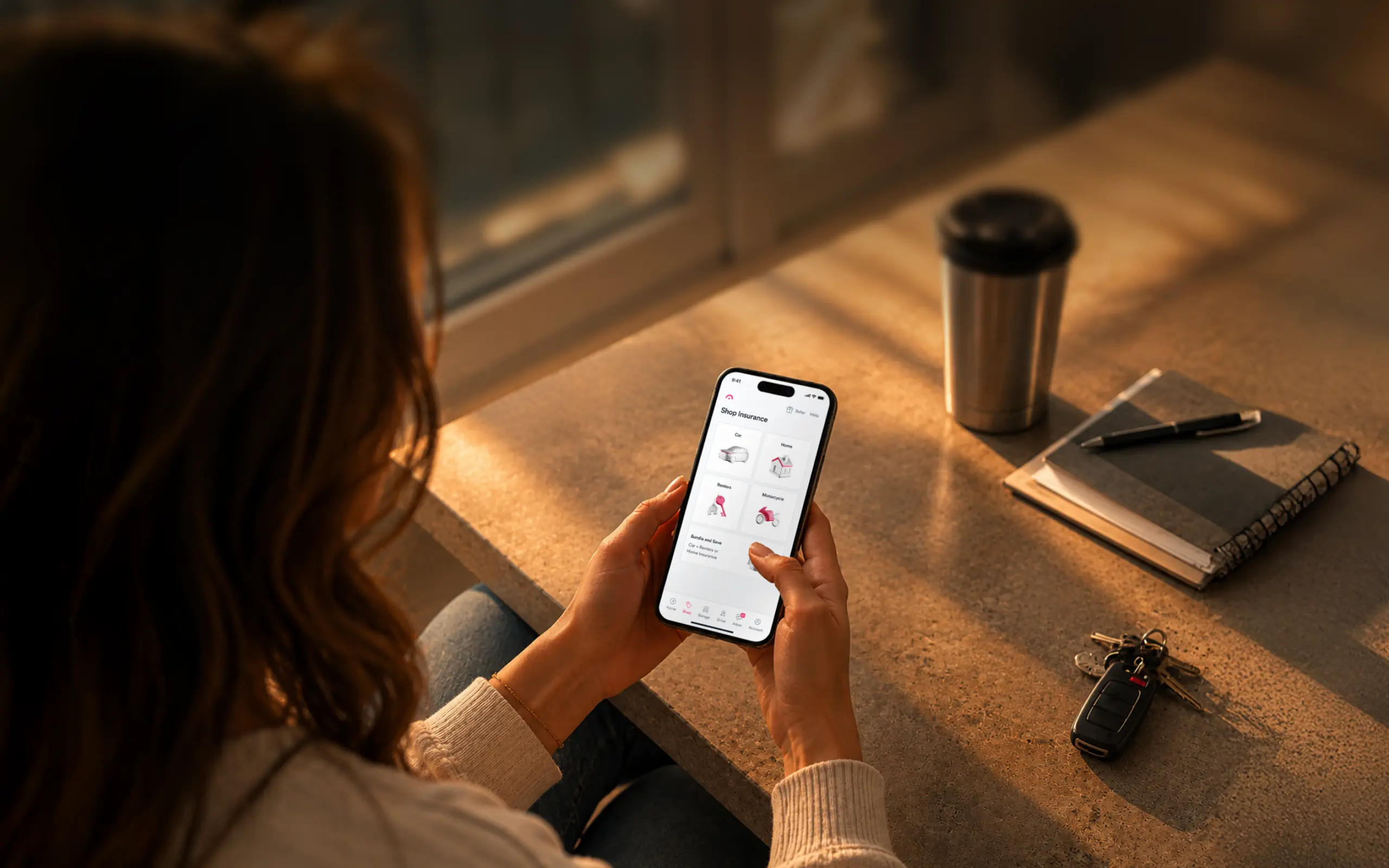
YOUR AI NOW SHOPS INSURANCE WITH JERRY
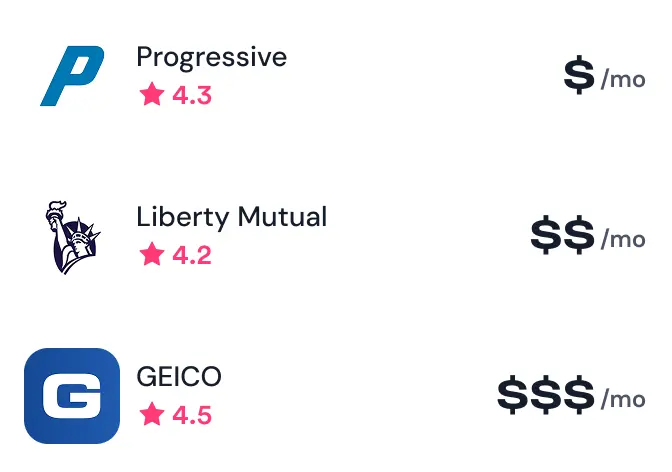
Now you can ask AI for personalized quotes from 100+ carriers.



LIKE WORKING WITH
AN INSURANCE PRO
YOU ASK. JERRY SHOPS.

COMMON QUESTIONS
How do I connect Jerry?
In Claude, go to Customize → Connectors → Add custom connector and paste https://mcp.jerry.ai/mcp. Then sign in with your phone number. No Jerry account? You can make one right there.
Does Jerry have a Model Context Protocol (MCP)?
Yes. Jerry’s MCP server connects your Jerry account to Claude, so you can compare car, motorcycle, home and renters quotes without leaving the chat.
What’s an MCP, in plain English?
Think of it as a plug that lets your AI assistant use other apps. Plug in Jerry, and your assistant can shop for insurance with you.
Can my AI assistant buy a policy for me?
No, you are in control and confirm the purchase. But the agent does all the legwork. It can fill out your application, pull quotes, compare them and get your final price. Then it hands you a link, and you buy in the Jerry app.
Will it send my info to insurers without asking?
No. Before any quote request goes out, your assistant shows you a summary and waits for your approval.
I’m a developer. Where are the docs?
At mcp.jerry.ai/docs: endpoints, OAuth, scopes, tools and rate limits.
How do I disconnect Jerry?
Remove the Jerry connector in your assistant’s settings. No breakup speech required. Your Jerry account stays put.
Which AI assistants work with Jerry?
Claude, for now. More are on the way.